

Writing mistakes can affect how people understand your ideas. A small grammar error in an email, academic assignment, business proposal, or blog post can make your writing look less professional. Many writers know what they want to say but struggle with sentence structure, punctuation, spelling, and correct word usage.
- What Is a Grammar Checker and How Does It Work?
- Why People Search for the Best Grammar Checker Free Tools
- Important Features of the Best Grammar Checker Free Tools
- Grammar Error Detection
- Spelling and Word Correction
- Punctuation Improvement
- Sentence Clarity Suggestions
- Writing Style Analysis
- Best Grammar Checker Free Tools Available Online
- Grammarly Free
- LanguageTool
- QuillBot Grammar Checker
- Hemingway Editor
- ProWritingAid Free Version
- Free Grammar Checker vs Paid Grammar Checker
- How to Use a Grammar Checker Effectively
- Write Your First Draft Without Interruptions
- Review Every Suggestion Carefully
- Learn From Your Mistakes
- Proofread After Corrections
- Common Grammar Mistakes a Free Grammar Checker Can Fix
- Benefits of Using the Best Grammar Checker Free Tools
- Better Writing Confidence
- More Professional Communication
- Faster Editing Process
- Improved English Learning
- Limitations of Free Grammar Checkers
- Tips to Improve Grammar Without Depending Only on Tools
- Read Regularly
- Practice Writing Daily
- Keep a List of Common Mistakes
- Frequently Asked Questions About Best Grammar Checker Free Tools
- Conclusion: Choosing the Best Grammar Checker Free Tool
This is why many people search for the best grammar checker free tools. A reliable free grammar checker can quickly find mistakes, suggest corrections, and help you write clearer English without spending money on premium software.
Whether you are a student, content writer, job seeker, or professional, a grammar checker can become a useful writing partner. However, choosing the right tool requires understanding what features matter, how accurate these tools are, and how to use them effectively.
What Is a Grammar Checker and How Does It Work?
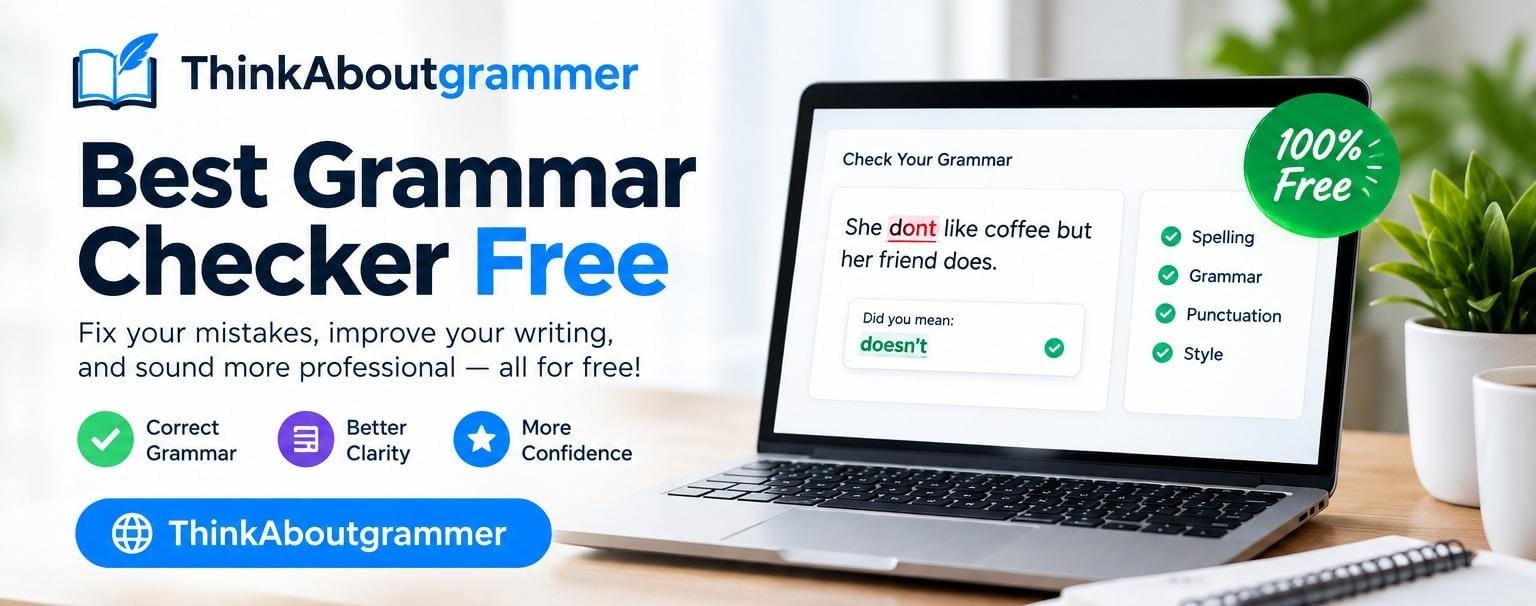
A grammar checker is a digital writing tool that reviews your text and identifies language mistakes. It uses grammar rules, language databases, and artificial intelligence to analyze sentences and provide correction suggestions.
Before using any grammar checking tool, it is important to understand what grammar means and how basic grammar rules affect sentence accuracy and clarity.
Unlike a simple spell checker that only finds misspelled words, modern grammar checkers examine different parts of writing, including:
- Grammar accuracy
- Sentence structure
- Word choice
- Punctuation
- Spelling
- Readability
- Writing style
For example:
| Incorrect Sentence | Correct Sentence |
|---|---|
| He don’t understand the question. | He doesn’t understand the question. |
| She go to college every day. | She goes to college every day. |
| I have finished my work yesterday. | I finished my work yesterday. |
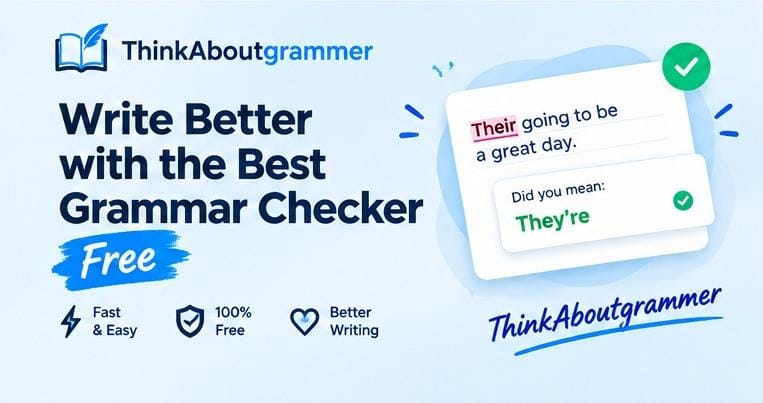
| Your going to love this book. | You’re going to love this book. |
A good grammar checker explains mistakes and helps users improve their language skills over time.
Why People Search for the Best Grammar Checker Free Tools
The search intent behind best grammar checker free is to find a tool that can improve writing quality without requiring a paid subscription.
Most users searching this term want a solution for problems such as:
- Frequent grammar mistakes
- Weak sentence structure
- Spelling errors
- Poor punctuation
- Difficulty writing professional English
- Need for quick proofreading
Students may use grammar checkers for assignments, while professionals may use them for emails, reports, and presentations.
The ideal free grammar checker should be:
- Accurate
- Easy to use
- Fast
- Suitable for different writing purposes
- Helpful for learning English
Important Features of the Best Grammar Checker Free Tools
Not all grammar checkers provide the same level of support. Some tools only correct spelling, while others provide detailed writing suggestions.
Grammar Error Detection
The main purpose of a grammar checker is identifying incorrect sentence structures.
A quality tool should detect problems like:
- Subject-verb agreement errors
- Incorrect verb forms
- Missing articles
- Incorrect prepositions
- Sentence fragments
Example:
Incorrect:
The results of the research shows positive changes.
Correct:
The results of the research show positive changes.
The subject “results” is plural, so the verb should also be plural.
Spelling and Word Correction
Spelling mistakes can reduce the credibility of your writing.
Example:
Incorrect:
The manager recieved the document.
Correct:
The manager received the document.
A grammar checker helps identify these small mistakes before they reach your audience.
Punctuation Improvement
Correct punctuation improves readability and prevents confusion.
Example:
Without punctuation:
Let’s eat grandma.
This sentence suggests something completely different.
With correct punctuation:
Let’s eat, grandma.
A comma changes the meaning of the sentence.
Sentence Clarity Suggestions
Many grammar tools help writers make sentences shorter and easier to understand.
Example:
Before:
Due to the fact that he was unable to attend the meeting, he sent an email.
Improved:
Because he could not attend the meeting, he sent an email.
Clear writing usually communicates ideas faster.
Writing Style Analysis
Some advanced free grammar checkers also analyze:
- Passive voice
- Word repetition
- Sentence length
- Formality
- Readability
These features help writers create more engaging content.
Best Grammar Checker Free Tools Available Online
Several free grammar checking tools are available today. Each one has different strengths depending on the user’s needs.
If you want to compare different features, accuracy levels, and available options, explore our guide on best online grammar checkers to find the right writing assistant.
Grammarly Free
Grammarly is one of the most widely used writing assistants. Its free version provides basic grammar, spelling, and punctuation corrections.
Key Features:
- Grammar checking
- Spelling correction
- Basic clarity suggestions
- Browser extension support
Best For:
- Students
- Bloggers
- Email writing
- Everyday communication
Grammarly is useful for users who want quick corrections while writing online.
LanguageTool
LanguageTool is a grammar checker that supports multiple languages and focuses on grammar accuracy.
Key Features:
- Grammar correction
- Spelling detection
- Style suggestions
- Multilingual support
Best For:
- International writers
- Language learners
- Multilingual users
It is especially helpful for people who write in more than one language.
QuillBot Grammar Checker
QuillBot provides grammar checking along with other writing tools.
Key Features:
- Sentence correction
- Grammar improvement
- Writing enhancement
Best For:
- Students
- Researchers
- Content creators
It can help improve sentence flow and readability.
Hemingway Editor
Hemingway Editor focuses mainly on making writing clearer and easier to read.
Key Features:
- Highlights complex sentences
- Detects passive voice
- Improves readability
Best For:
- Bloggers
- Copywriters
- Online publishers
It is useful when your writing is grammatically correct but difficult to understand.
ProWritingAid Free Version
ProWritingAid provides writing analysis and grammar suggestions.
Key Features:
- Grammar checking
- Style improvements
- Sentence analysis
Best For:
- Long articles
- Creative writers
- Professional documents
Free Grammar Checker vs Paid Grammar Checker
A free grammar checker can solve many common writing problems, but premium tools usually provide additional features.
| Feature | Free Version | Paid Version |
|---|---|---|
| Grammar correction | Available | Available |
| Spelling correction | Available | Available |
| Basic suggestions | Available | Available |
| Advanced writing analysis | Limited | Better |
| Plagiarism checking | Usually unavailable | Often available |
| Vocabulary suggestions | Basic | Advanced |
For everyday writing, free tools are often enough. Professional writers and businesses may need advanced features.
How to Use a Grammar Checker Effectively
A grammar checker works best when combined with human judgment.
Write Your First Draft Without Interruptions
Focus on your ideas first. Do not stop every few seconds to correct mistakes.
After completing your draft, use a grammar checker to improve accuracy.
Review Every Suggestion Carefully
Do not automatically accept every correction.
Example:
Original:
The company launched a new product which changed the market.
A grammar tool may suggest changes, but you should decide whether the sentence fits your intended meaning.
Learn From Your Mistakes
A grammar checker should help you improve, not only fix errors.
If you repeatedly make the same mistake, study the grammar rule behind it.
Proofread After Corrections
Always read your final version yourself.
Grammar tools may not understand:
- Personal writing style
- Industry terminology
- Humor
- Context
Human review remains important.
Common Grammar Mistakes a Free Grammar Checker Can Fix
Subject-Verb Agreement Mistakes
The subject and verb must match in number.
Incorrect:
The team are working on the project.
Correct:
The team is working on the project.
Incorrect Verb Tenses
Incorrect:
I am working here since 2022.
Correct:
I have been working here since 2022.
Confusing Similar Words
Many English words sound similar but have different meanings.
| Incorrect | Correct |
|---|---|
| Their coming today | They’re coming today |
| Your very kind | You’re very kind |
| Its a good idea | It’s a good idea |
Run-On Sentences
Run-on sentences combine multiple ideas without proper punctuation.
Incorrect:
I finished my assignment I submitted it online.
Correct:
I finished my assignment, and I submitted it online.
Benefits of Using the Best Grammar Checker Free Tools
Using a grammar checker regularly can improve your writing in several ways.
Better Writing Confidence
When you know your mistakes are being checked, you can write with more confidence.
More Professional Communication
Correct grammar improves:
- Business emails
- Cover letters
- Reports
- Presentations
- Social media posts
Faster Editing Process
Grammar checkers reduce the time required for manual proofreading.
Instead of searching every sentence, you can quickly review highlighted issues.
Improved English Learning
Grammar tools can act as learning resources by showing mistakes and corrections.
Along with correcting grammar mistakes, writers should also focus on ways to improve vocabulary because better word choices make writing more natural and effective.
Over time, users can recognize common errors and avoid repeating them.
Limitations of Free Grammar Checkers
Although free grammar checkers are helpful, they are not perfect.
They Cannot Understand Every Context
A tool may correct a sentence that is intentionally written in a creative or informal style.
Example:
The silence screamed louder than words.
This is grammatically unusual but meaningful in creative writing.
They Cannot Replace Human Editors
Human editors understand:
- Audience expectations
- Tone
- Purpose
- Emotional impact
Grammar tools focus mainly on language patterns.
Tips to Improve Grammar Without Depending Only on Tools
A grammar checker is useful, but improving your own skills is equally important.
Read Regularly
Reading books, articles, and professional content exposes you to correct sentence structures.
Practice Writing Daily
Writing regularly improves:
- Vocabulary
- Sentence formation
- Grammar awareness
Keep a List of Common Mistakes
Track your repeated errors and review them regularly.
Frequently Asked Questions About Best Grammar Checker Free Tools
What is the best grammar checker free tool?
The best free grammar checker depends on your needs. Grammarly, LanguageTool, QuillBot, Hemingway Editor, and ProWritingAid are popular options with different features.
Are free grammar checkers accurate?
Free grammar checkers are useful for common grammar, spelling, and punctuation mistakes. However, users should always review suggestions before applying them.
Can a grammar checker improve my English skills?
Yes. Grammar checkers help users understand mistakes and learn correct sentence patterns.
Is a free grammar checker good for students?
Yes. Students can use free grammar checkers to improve assignments, essays, and academic writing.
Do grammar checkers replace proofreading?
No. They help with proofreading but cannot completely replace human review.
Can grammar checkers check plagiarism?
Most free grammar checkers do not include advanced plagiarism detection features.
Conclusion: Choosing the Best Grammar Checker Free Tool
Finding the best grammar checker free tool can make writing easier, faster, and more accurate. Free grammar checkers can help identify grammar mistakes, correct spelling errors, improve punctuation, and make sentences clearer.
However, the best results come from combining technology with learning. Use grammar tools as writing assistants, understand the corrections they provide, and continue improving your English skills.
A good grammar checker does not just fix mistakes—it helps you become a better writer.